Stable Diffusion AI online
Artificial Intelligence Accessible to Everyone for free
Generate AI images for free, directly in your browser.
Enter a text prompt. Our tools create unique images in seconds. No account, no GPU, no installation required.
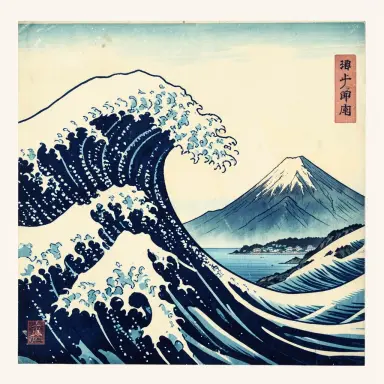
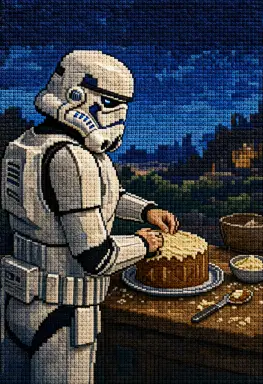

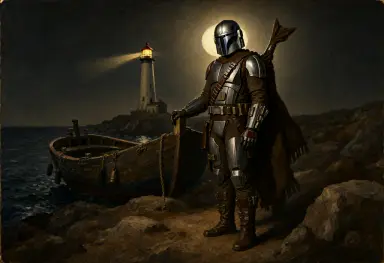
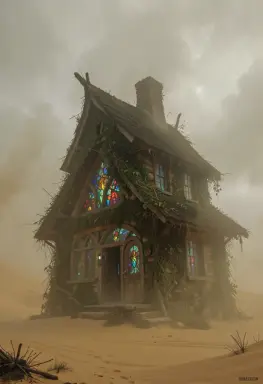
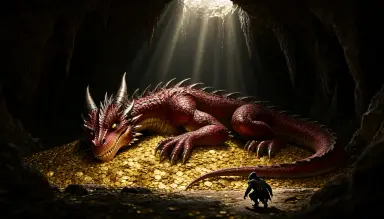
Free Image Generation tools online
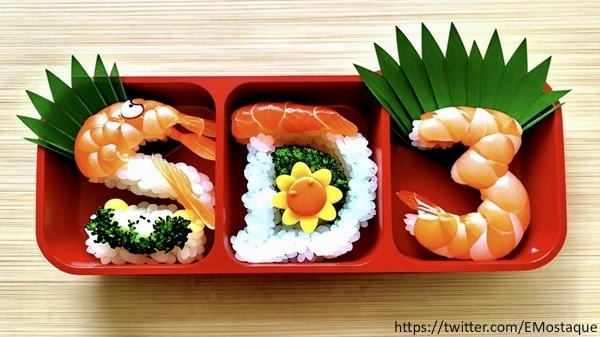 Stable Diffusion 3
Text to image with Stable Diffusion 3, no account needed
Stable Diffusion 3
Text to image with Stable Diffusion 3, no account needed
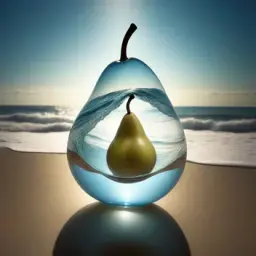 Inpainting Popular
Repaint any part of an image from a text prompt
Inpainting Popular
Repaint any part of an image from a text prompt
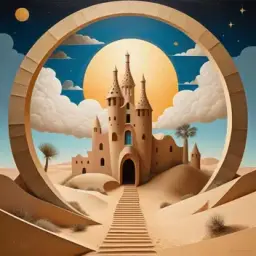 Upscaling Popular
Enlarge an image up to 2x with sharper details
Upscaling Popular
Enlarge an image up to 2x with sharper details
 Stable Diffusion XL demo
Free Stable Diffusion XL 1.0 online demo, no account needed
Stable Diffusion XL demo
Free Stable Diffusion XL 1.0 online demo, no account needed
Free Artificial Intelligence and LLM toolbox :
Artwork from Community
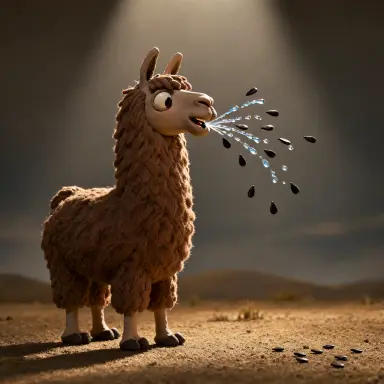 a claymation still of a llama that spits watermelon seeds the scene is lit from a low angle by backlight
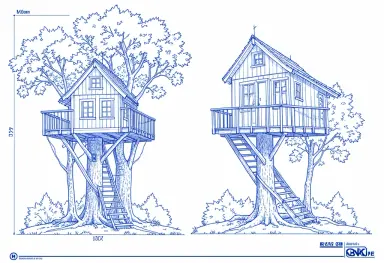 blueprint drawing of a treehouse
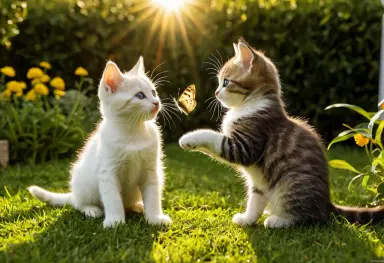 photograph of two kittens playing with a butterfly in a garden golden afternoon light award winning
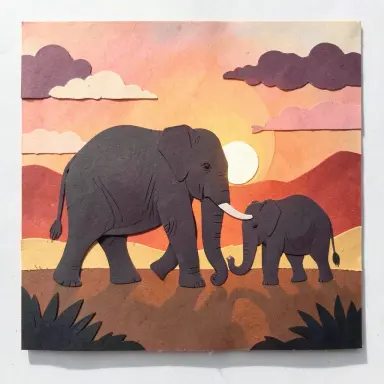 papercut art of an elephant family walking at sunset layered paper warm palette
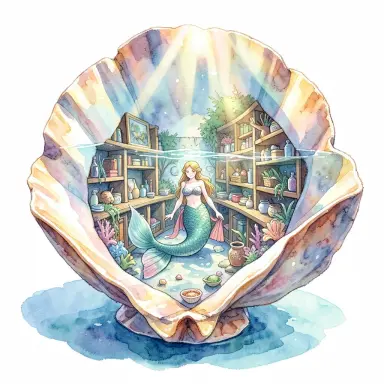 a mermaid library inside a giant seashell sunlight through the water watercolor illustration
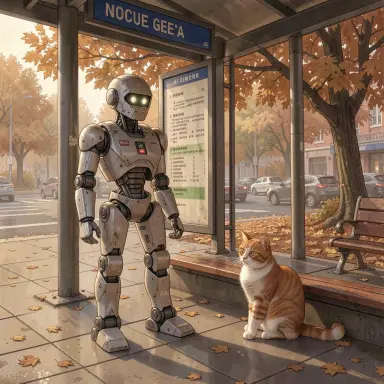 a robot and a cat at a bus stop in autumn browns
 a fantasy concept art of a dwarf blacksmith hammering a glowing rune sword in an underground forge lit from
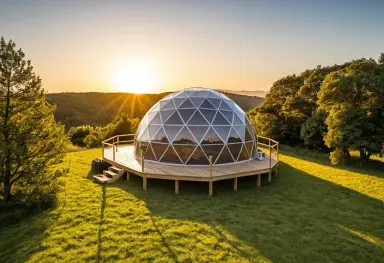 a glamping dome at golden hour photograph
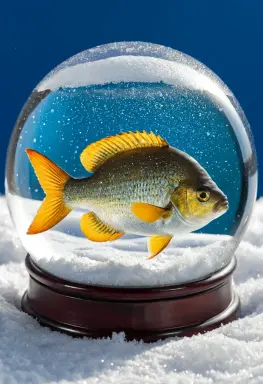 a sunfish as a snow globe scene macro photograph
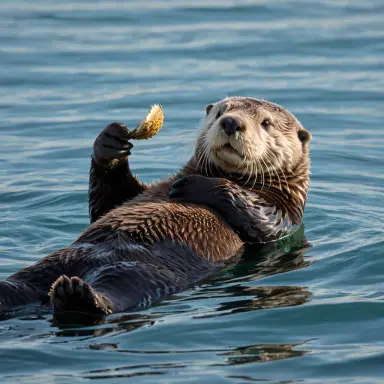 photograph of a sea otter floating on its back holding a shell calm kelp bay soft morning light
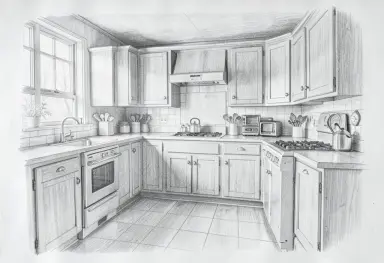 pencil drawing of a cottage kitchen
 anime background a tea master
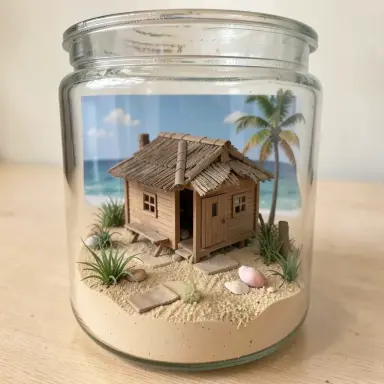 diorama of a beach hut in a glass jar
 a capybara hosting a tea party for ducks and a turtle in a sunny garden watercolor illustration
 anime style a woman tending bonsai on a rooftop
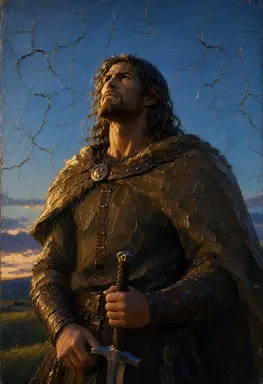 beowulf rendered as an impasto painting everything happens on the longest day lit by blue hour light from a
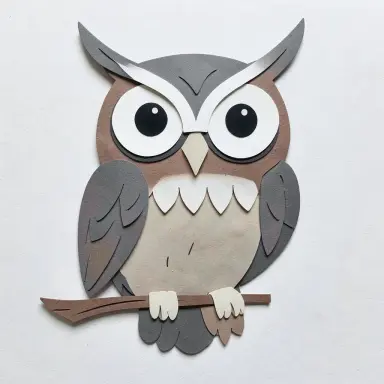 papercut art of an owl
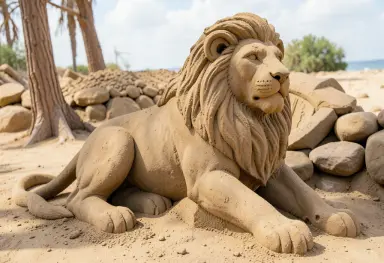 sand sculpture of a lion
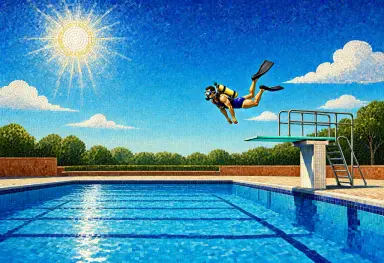 a mosaic illustration of a diver leaping from a diving board into a swimming pool full of blue sky and clouds
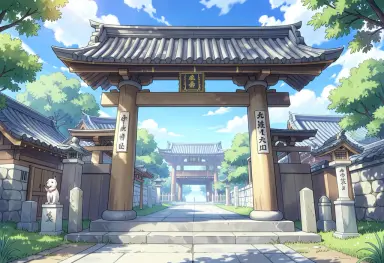 anime background of a shrine gate
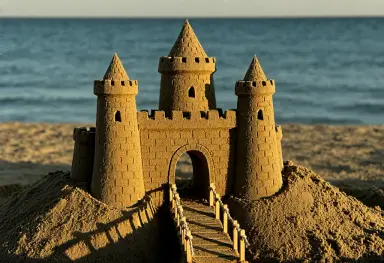 a sand sculpture of a castle with towers and a drawbridge on a beach lit from the left by warm late afternoon
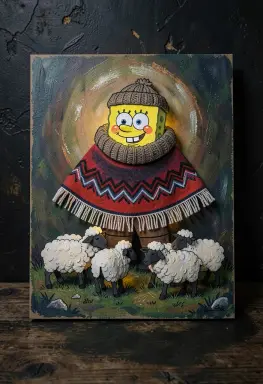 paper cut spongebob squarepants herding sheep in a andean poncho and chullo rim light mysterious atmosphere
 anime background a first snow walk in the style of hayao miyazaki
 a fantasy concept art of a clockwork alchemist s workshop with brass gears glass alembics and a mechanical
What is Stable Diffusion?
Stable Diffusion is a latent diffusion model, an AI that makes images from text. You type what you want, and it creates the image.
Developed by StabilityAI , it is open source. It runs on a standard GPU — no cloud needed. The community is very active. Many models and add-ons are free to use. You can even train it on your own images!
It was trained on millions of images. You can use it for digital art, photo editing, animations, and more.
You can see examples in our prompt gallery, Art Gallery and image browser.Read the full guide: what Stable Diffusion is and how latent diffusion works →
Frequently Asked Questions
Is Stable Diffusion free?
Yes. It is an open-source model, free to download and to run on your own computer. Every tool on this site is free as well: the online demos, inpainting, upscaling and the prompt generator need no account, and text-to-image on our own GPU only asks for a free account. No credits, no subscription.
Do I need an account to generate images?
No account is needed for the online demos, inpainting, image upscaling and the prompt generator: open the page and start. A free account, created with an e-mail address, unlocks text-to-image on our own GPU with SD 1.5 and SDXL 1.0, with full control over steps, CFG scale, seed and image size.
How do I use Stable Diffusion online?
Open the free demo, type a description of the image you want, then click Generate. The image appears after a few seconds and you can download it. To improve the result, add details about style and lighting, write a negative prompt, or change the seed to explore variations. Nothing has to be installed.
Is this the official Stable Diffusion website?
No. Stable Diffusion is developed by Stability AI, whose official website is stability.ai. stablediffusion.fr is an independent site, online since 2022, that offers free tools to use the model and other open models in the browser, with guides, prompt examples and artist references. It is not affiliated with Stability AI.
What is a prompt?
A prompt is a text description that guides the AI. It can include the subject, artistic style, lighting, mood, and medium — for example: 'a medieval knight in a dark forest, oil painting, dramatic lighting, cinematic'. The more specific your prompt, the closer the result to your vision. Keep it under 350 characters for best results.
A negative prompt tells the AI what to leave out of the image.
Read the full guide: How to write a Stable Diffusion prompt? →
What is a negative prompt?
A negative prompt tells the AI what NOT to show. Common examples: 'blurry, low quality, watermark, text, deformed hands'. Use these to remove typical AI mistakes.
Negative prompts boost image quality fast. Add weights — like '(blurry:1.4)' — to make them stronger.
What does seed mean?
The seed is a number that initializes the random process behind image generation. Every image starts from noise, and the seed determines what that starting noise looks like. Leave it at -1 to get a random seed — and a different image — every time.
Fix the seed to reproduce the exact same image. This is useful for experimenting: keep the seed constant while changing only the prompt or settings to compare variations precisely. It is also how you recreate a favourite result later.
Read the full guide: What does the seed do in Stable Diffusion? →
What is LoRA?
LoRA stands for Low-Rank Adaptation. It is a small add-on file (typically 50–150 MB) that fine-tunes a base model for a specific style, character, or subject — without retraining the entire model.
Load a LoRA to generate images in a specific artistic style, reproduce a particular character, or match a reference concept. You can combine several LoRAs in one prompt using weights: <lora:my-style:0.8>. Thousands of free LoRAs are available on Civitai and Hugging Face.
How to install Stable Diffusion locally?
Running it locally requires a recent NVIDIA GPU with at least 6 GB of VRAM. AMD GPUs work with ROCm drivers on Linux. Apple Silicon (M1/M2/M3) is also supported via the MPS backend. If you have no compatible GPU, our free online tool runs directly in your browser — no installation needed.
First, download the SDXL base model and refiner from Stability AI.Next, install Python 3.10 and Git.
Then, get the webUI from Automatic1111.
Place both models in the models/Stable-diffusion folder.
Findwebui.bat and double-click it to start.
Open your browser at localhost:7860.
Read the full guide: How to download and install Stable Diffusion locally? →
How much VRAM do I need for Stable Diffusion?
You need at least 4 GB of VRAM to run the model. 6 GB is the recommended minimum for SDXL models. With 8 GB or more, you can generate larger images and use more features.
If you have no GPU, you can still run it on CPU — but it is much slower. You can also use our free online demo with no GPU required.
What is img2img?
Img2img lets you use an existing image as a starting point. You provide a source image and a prompt. The model then transforms the image based on your instructions.
Use it to change the style of a photo, fix a generated image, or refine a rough sketch. The denoising strength controls how much the AI changes the original — low keeps it close, high transforms it fully.
Can I use Stable Diffusion images commercially?
It depends on the model. The base models use the CreativeML Open RAIL-M license. This allows commercial use, but with some restrictions — you cannot use images to harm or deceive people.
Always check the license of the specific checkpoint you use. Some community models restrict commercial use. If you sell or publish AI-generated images, keep a record of the model and its license.
What is ControlNet?
ControlNet is an extension for the model that gives you precise control over image composition. You provide a reference image — a pose, an edge map, or a depth map — and the AI follows that structure.
Use ControlNet to keep a person's exact pose, copy a scene layout, or trace a sketch precisely. It works alongside your prompt, so you control both the content and the structure of the image.
What is a checkpoint?
A checkpoint is a saved AI model file. It contains everything the model learned during training. You load a checkpoint to set the style and subject of your images.
Different checkpoints give very different results. Some are trained for realistic photos, others for anime or illustration. You can download free checkpoints from Hugging Face or Civitai.
What is ComfyUI?
ComfyUI is a free, node-based interface for the model. You build image workflows by connecting blocks called nodes. Each node does one step — loading a model, adding a prompt, or saving the image.
ComfyUI gives you full control over each step. It is faster and lighter than Automatic1111. Power users prefer it for complex workflows. You can share workflows as JSON files.
What is Flux?
Flux is a family of text-to-image models by Black Forest Labs, founded by former Stability AI researchers. The newest open-weights release is FLUX 3 Image Klein, published on 15 October 2026: 5.6 billion parameters, native 4K generation, editing from up to ten reference images, and an int8 build that runs on an 8 GB graphics card.
FLUX 3 Image Klein is released under the FLUX Kommunity License: free commercial use for individuals and companies under 5 million dollars in annual revenue; larger organisations need a commercial licence from Black Forest Labs. FLUX.2, released in November 2025, is still current in five variants: three hosted ones, [max], [pro] and [flex], and two open-weights ones, [dev] and [klein]. This site's demo runs FLUX.2 [dev], and the art-styles page was rendered with FLUX.2 [klein].
What is Qwen-Image 2.1?
Qwen-Image 2.1 is an open-weights text-to-image and image-editing model from Alibaba's Qwen team, released in September 2026. It follows whole sentences rather than keyword lists, writes legible text inside images and renders native 2K, 2048 × 2048 for a square, without an upscaler. For editing, it takes a sentence and up to ten reference images.
You can try it free on this site's Qwen-Image 2.1 demo, with no account. It runs at home in ComfyUI; the int8 weights fit a 16 GB graphics card. The weights are under the Qwen Research License: research and evaluation only, and any commercial use needs a separate licence from Qwen. The first Qwen-Image, released in August 2025, was Apache 2.0.
Read the full guide: what Qwen-Image is, what it can do and how it works →
What is the newest version of Stable Diffusion?
The latest release is Stable Diffusion 3.5 , released in October 2024. It produces sharper images with significantly better text rendering, richer colors, and improved fine details. It comes in three sizes: Large (8B parameters), Large Turbo for fast generation, and Medium — all runnable locally with moderate VRAM.
Read the full guide: SDXL vs Stable Diffusion 3 vs SD 1.5: which one should you use? →