Stable Diffusion オンラインAI
誰でも無料で利用できる人工知能
AIの画像を無料で、ブラウザから直接生成できます。
promptを入力してください。ツールが数秒でユニークな画像を作成します。アカウント、GPU、インストール不要。
無料の画像生成ツールオンライン
 Stable Diffusion 3
でテキストから画像を生成、アカウント不要
Stable Diffusion 3
Stable Diffusion 3でテキストから画像を生成、アカウント不要
 Inpainting 人気
プロンプトで画像の好きな部分を描き直す
Inpainting 人気
プロンプトで画像の好きな部分を描き直す
 Upscaling 人気
画像を最大2倍に拡大し、細部をより鮮明に
Upscaling 人気
画像を最大2倍に拡大し、細部をより鮮明に
 Stable Diffusion XL demo
Stable Diffusion XL 1.0の無料オンラインデモ、登録不要
Stable Diffusion XL demo
Stable Diffusion XL 1.0の無料オンラインデモ、登録不要
無料の人工知能とLLMツールボックス:
コミュニティからのアートワーク
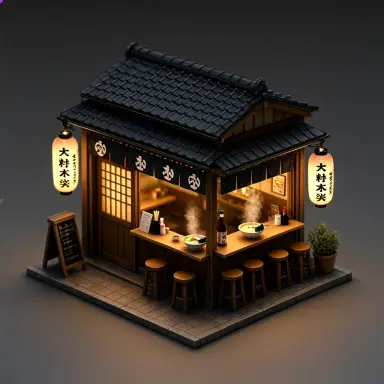 a 3d render of a tiny japanese ramen shop diorama at night with lanterns and steam lit by warm lantern light
 a submarine shaped like a whale illustration
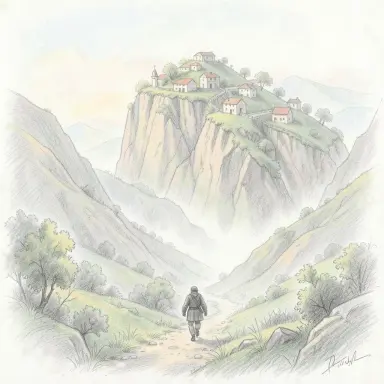 a giant walking through a misty valley with villages on its shoulders pencil sketch with light colour
 iron giant holding a lantern in the 1980s rendered as a vanitas painting lit by candlelight from the left
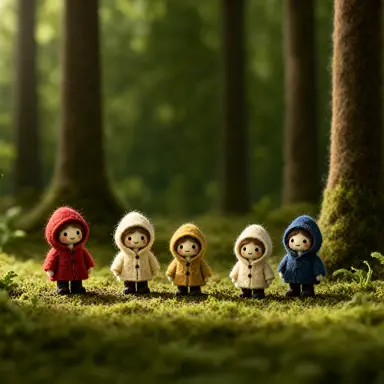 a felt and wool stop motion still of a forest clearing where tiny mushrooms wear raincoats on a perfectly
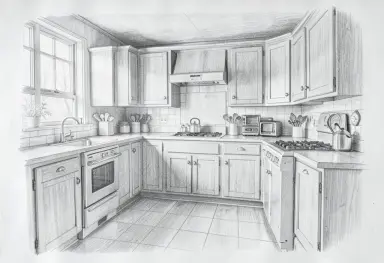 pencil drawing of a cottage kitchen
 anime background a first snow walk at a graduation
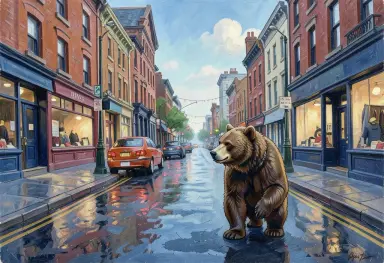 a bear from across the street icon painting
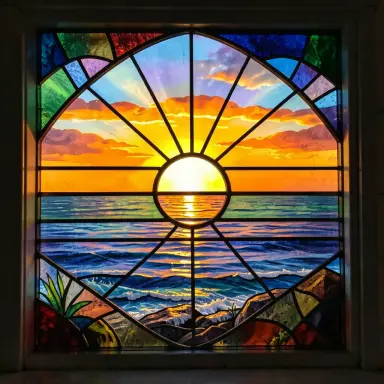 stained glass of a sunrise over the sea
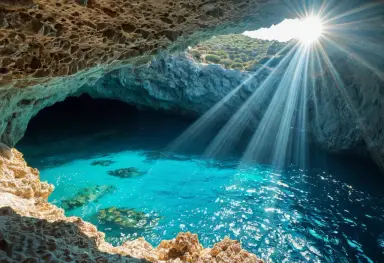 sea cave with turquoise water and sunlight shaft mediterranean coast
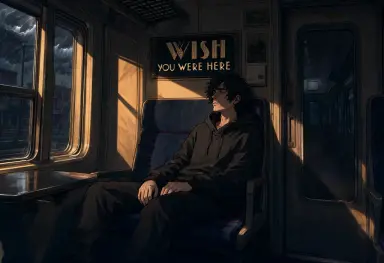 the image is a comic book panel of 9s on a train lit by storm light from the left with long warm shadows wide
 pointillist painting of people relaxing in a park by a river on a sunny afternoon
 a georgian tower house on a bank holiday academic painting in the style of michael parkes
 a bicycle helmet gongbi painting
 cutaway dollhouse illustration of a three storey townhouse each room furnished differently warm cheerful
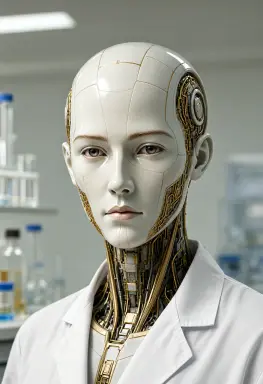 a science fiction portrait of an android with a porcelain face and visible golden circuits at the jaw in a
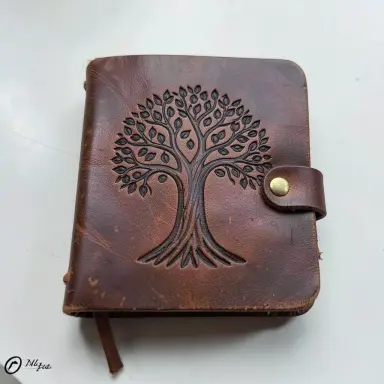 tooled leather journal with a tree of life
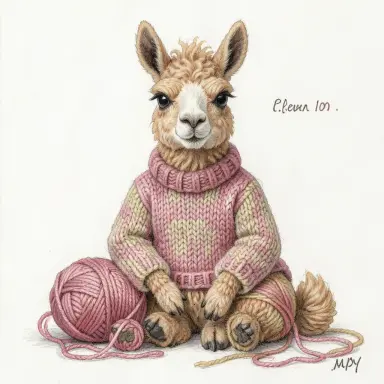 a llama wearing a knitted sweater it clearly made itself sitting with yarn embroidery style
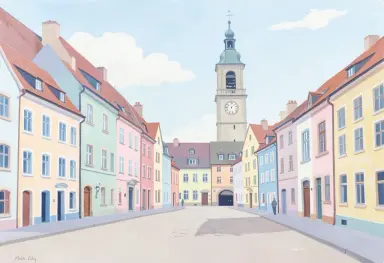 gouache painting of pastel houses on a european town square with a clock tower flat shapes
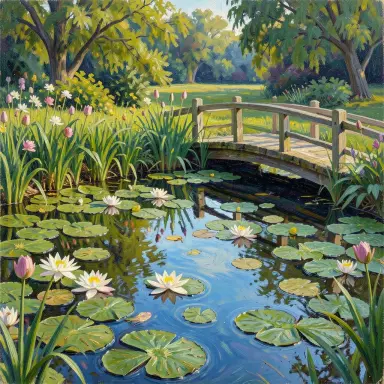 impressionist oil painting of a garden pond with water lilies and a wooden bridge visible brushstrokes
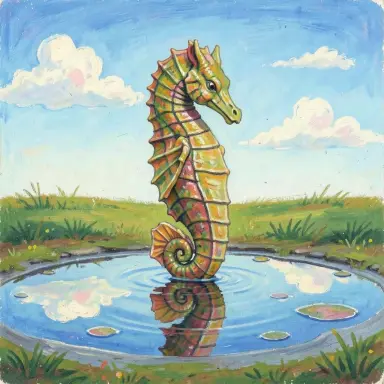 a seahorse with puddles reflecting the sky naive painting
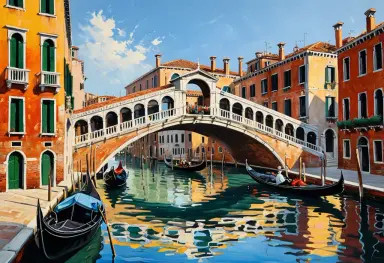 oil painting of a venetian bridge over a canal on a bright morning gondolas loose brushwork warm colours
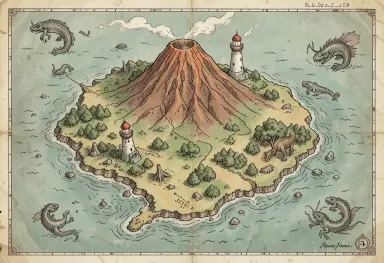 a hand drawn map of an imaginary island with a volcano a lighthouse and sea monsters vintage cartography style
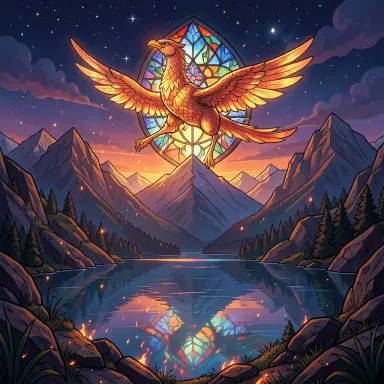 phoenix rising above a mountain lake at night stained glass style embers
Stable Diffusionとは?

Stable Diffusionはテキストから画像を作るAIです。欲しいものを入力すると画像を生成します。
によって開発されました StabilityAI 、オープンソースです。普通のGPUで動き、クラウド不要です。コミュニティはとても活発です。多くのモデルやアドオンが無料で使えます。自分の画像でトレーニングすることもできます!
数百万枚の画像で学習しました。デジタルアート、写真編集、アニメーションなどに使えます。
例を私たちの プロンプトギャラリー, アートギャラリー および 画像ブラウザで見ることができます。.よくある質問
Stable Diffusionは無料ですか?
はい。Stable Diffusionはオープンソースのモデルで、無料でダウンロードして自分のパソコンで実行できます。このサイトのツールもすべて無料です。オンラインデモ、インペイント、画像の拡大、プロンプト生成はアカウント不要で、当サイトのGPUで動くテキストから画像への生成も無料アカウントだけで使えます。クレジットもサブスクリプションもありません。
画像を生成するのにアカウントは必要ですか?
オンラインデモ、インペイント、画像の拡大、プロンプト生成にはアカウントは不要です。ページを開いてすぐに始められます。メールアドレスで作成する無料アカウントがあれば、当サイトのGPUでStable Diffusion 1.5とSDXL 1.0によるテキストから画像への生成が使え、ステップ数、CFGスケール、シード、画像サイズを自由に設定できます。
Stable Diffusionをオンラインで使うには?
無料デモを開き、作りたい画像の説明を入力して、Generateをクリックします。数秒で画像が表示され、ダウンロードできます。結果を良くするには、スタイルや光の詳細を加える、ネガティブプロンプトを書く、シードを変えてバリエーションを試す、といった方法があります。インストールは一切不要です。
ここはStable Diffusionの公式サイトですか?
いいえ。Stable DiffusionはStability AIが開発しており、公式サイトはstability.aiです。stablediffusion.frは2022年から運営している独立したサイトで、Stable Diffusionやその他のオープンモデルをブラウザで使える無料ツールのほか、ガイド、プロンプト例、アーティスト一覧を提供しています。Stability AIとの提携関係はありません。
プロンプトとは?
プロンプトはAIを導くテキスト説明です。被写体、アートスタイル、照明、雰囲気、素材を含めることができます — 例:'暗い森の中世の騎士、油絵、ドラマチックな照明、映画的'。プロンプトが具体的なほど、結果はあなたのビジョンに近くなります。最良の結果のために350文字以内にしてください。
ネガティブプロンプトは、画像に含めたくないものをAIに伝えます。
ネガティブプロンプトとは何ですか?
ネガティブプロンプトはAIに表示してほしくないものを伝えます。例:'blurry, low quality, watermark, text, deformed hands'。これらでAIの典型的なミスを取り除けます。
ネガティブプロンプトは画像品質を素早く改善します。強化するにはウェイトを追加しましょう — 例:'(blurry:1.4)'。
シードとは何ですか?
シードは画像生成の背後にあるランダムプロセスを初期化する数値です。すべての画像はノイズから始まり、シードはその開始ノイズの形を決定します。毎回異なる画像を得るには-1のままにしてランダムシードを使用してください。
完全に同じ画像を再現するためにシードを固定します。これは実験に役立ちます:シードを一定に保ちながらプロンプトや設定だけを変えて、バリエーションを正確に比較できます。後でお気に入りの結果を再現する方法でもあります。
LoRAとは?
LoRAはLow-Rank Adaptationの略です。ベースモデル全体を再トレーニングせずに、特定のスタイル、キャラクター、またはテーマ向けに微調整する小さなアドオンファイル(通常50〜150MB)です。
特定の芸術スタイルで画像を生成したり、特定のキャラクターを再現したり、参照コンセプトに合わせたりするためにLoRAを読み込みます。重みを使って複数のLoRAを一つのプロンプトで組み合わせることができます:<lora:my-style:0.8>。何千もの無料LoRAがCivitaiとHugging Faceで利用可能です。
Stable Diffusionをローカルにインストールするには?
Stable Diffusionをローカルで実行するには、最低6GBのVRAMを持つ最新のNVIDIA GPUが必要です。AMD GPUはLinux上でROCmドライバーで動作します。Apple Silicon(M1/M2/M3)もMPSバックエンドを通じてサポートされています。互換性のあるGPUがない場合は、無料のオンラインツールがブラウザで直接動作します — インストール不要。
まず、Stability AIから base model と refiner をダウンロードします。次に Python 3.10 とGitをインストールします。
webUIをセットアップします: Automatic1111.
両モデルを models/Stable-diffusion フォルダに入れます。
webui.bat をダブルクリックしてインストールします。
ブラウザでlocalhost:7860を開きます。
Stable DiffusionにはどれだけのVRAMが必要ですか?
Stable Diffusionを動かすには最低4GBのVRAMが必要です。SDXLモデルには6GBが推奨最低値です。8GB以上あると大きな画像を生成でき、より多くの機能を使えます。
GPUがなくてもCPUで実行できますが、はるかに遅くなります。GPUなしで使える無料オンラインデモもご利用いただけます。
img2imgとは何ですか?
Img2imgは既存の画像を出発点として使う機能です。元画像とプロンプトを指定します。Stable Diffusionがその指示に従って画像を変換します。
写真のスタイル変更、生成画像の修正、ラフスケッチの仕上げに使えます。デノイズ強度で変化の度合いを調整できます — 低いと元画像に近く、高いと大きく変わります。
Stable Diffusionの画像を商業利用できますか?
モデルによって異なります。Stable Diffusionの基本モデルはCreativeML Open RAIL-Mライセンスを使用しています。商業利用は可能ですが制限があります — 人を傷つけたり欺いたりするために画像を使用することはできません。
使用するcheckpointのライセンスを必ず確認してください。一部のコミュニティモデルは商業利用を制限しています。AI生成画像を販売・公開する場合は、モデルとライセンスの記録を保管してください。
ControlNetとは何ですか?
ControlNetはStable Diffusionの拡張機能で、画像の構図を細かく制御できます。ポーズ、エッジマップ、深度マップなどの参照画像を与えると、AIがその構造に従います。
人物の正確なポーズを保持したり、シーンのレイアウトを複製したり、スケッチを正確にトレースするのに使えます。プロンプトと組み合わせて、内容と構造の両方を制御できます。
チェックポイントとは何ですか?
チェックポイントは保存されたAIモデルファイルです。モデルがトレーニング中に学習した内容をすべて含んでいます。チェックポイントを読み込むと、画像のスタイルと被写体が決まります。
チェックポイントが違うと結果も大きく変わります。リアルな写真向け、アニメやイラスト向けなど様々です。Hugging FaceやCivitaiから無料でダウンロードできます。
ComfyUIとは何ですか?
ComfyUIはStable Diffusion向けの無料ノードベースインターフェースです。ノードと呼ぶブロックを繋いで画像ワークフローを作ります。各ノードは1つのステップを実行します — モデルの読み込み、プロンプト追加、または画像の保存。
ComfyUIは各ステップを完全に制御できます。Automatic1111より速く、軽量です。上級ユーザーは複雑なワークフローに使います。ワークフローをJSONファイルとして共有できます。
Fluxとは何ですか?
FluxはBlack Forest Labsが開発したテキストから画像を生成するモデルのファミリーです。同社はStability AIの元研究者が設立しました。最新のオープンウェイト版は2026年10月15日公開のFLUX 3 Image Kleinで、56億パラメータ、ネイティブ4K生成、最大10枚の参照画像からの編集に対応し、int8版は8 GBのグラフィックカードで動きます。
FLUX 3 Image KleinはFLUX Kommunity Licenseの下で公開されています。年間売上高500万ドル未満の個人と企業は無料で商用利用でき、それより大きな組織はBlack Forest Labsの商用ライセンスが必要です。2025年11月に公開されたFLUX.2も引き続き現役で、5つのバリアントがあります:ホスト型の[max]、[pro]、[flex]の3つと、オープンウェイトの[dev]と[klein]の2つです。このサイトのデモはFLUX.2 [dev]で動いており、アートスタイルのページはFLUX.2 [klein]で生成されています。
Qwen-Image 2.1とは何ですか?
Qwen-Image 2.1は、アリババのQwenチームが2026年9月に公開した、オープンウェイトのテキストから画像を生成・編集するモデルです。キーワードの羅列ではなく文章全体に従い、画像の中に読める文字を書き、アップスケーラーなしでネイティブ2K(正方形なら2048 × 2048)を描きます。編集では、一文と最大10枚の参照画像を受け取ります。
このサイトのQwen-Image 2.1デモで、アカウント不要・無料で試せます。自宅ではComfyUIで動き、int8ウェイトは16 GBのグラフィックカードに収まります。ウェイトはQwen Research Licenseの下にあり、研究と評価のみに使えます。商用利用にはQwenから別途ライセンスを得る必要があります。2025年8月に公開された最初のQwen-ImageはApache 2.0でした。
Stable Diffusionの最新バージョンは何ですか?
最新バージョンは Stable Diffusion 3.5 、2024年10月にリリース。テキストレンダリングが大幅に改善され、色彩が豊かになり、細部のディテールが向上した、よりシャープな画像を生成します。Large(80億パラメータ)、高速生成用のLarge Turbo、Mediumの3サイズがあり、いずれも中程度のVRAMでローカル実行可能です。