AI Image Upscaler 🔍
Upload an image, choose an upscaler and a scale factor up to 2x, and get a higher-resolution version with enhanced details.
Examples
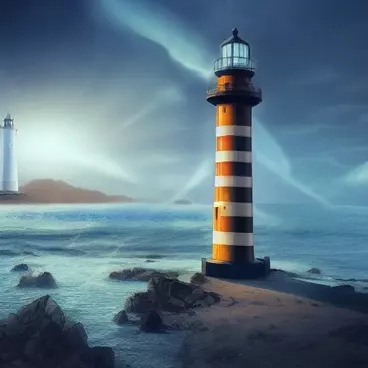
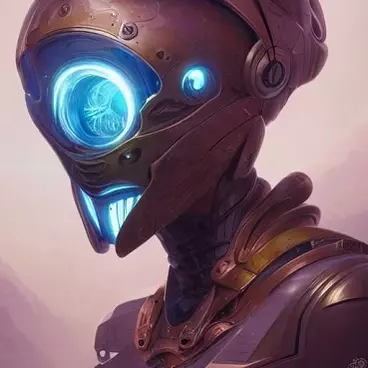
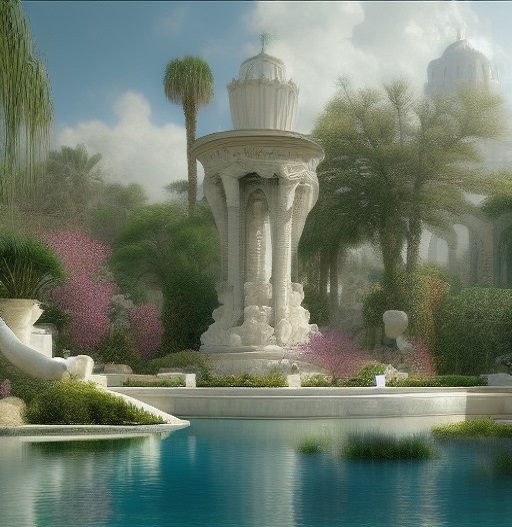
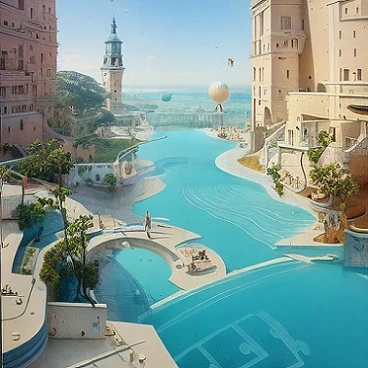
Upload an image, choose an upscaler and a scale factor up to 2x, and get a higher-resolution version with enhanced details.
Enlarge any image up to 2x with super-resolution models running on this site's own GPU: R-ESRGAN 4x+, ESRGAN, R-ESRGAN Anime6B, SwinIR, DAT, ScuNET or Lanczos. Free, no account, results in a few seconds. Ideal to sharpen a 512 px Stable Diffusion image or an old photo before printing.
Upscaling shares the GPU used by inpainting and the members tools. 2x keeps each job under a few seconds; run the tool twice for 4x.
R-ESRGAN 4x+ is the safe default. Anime6B for flat-colour illustrations, SwinIR and DAT for photos with fine textures, Lanczos when you want no AI invention at all.
Jobs are queued one at a time on one GPU: usually under ten seconds, more at busy times. One submission per IP every 20 seconds.
Read the guide: What is Stable Diffusion?