Stable Diffusion en ligne
L’intelligence artificielle accessible à tous
Générez des images IA gratuitement, directement dans votre navigateur.
Entrez un prompt. Nos outils créent des images uniques en quelques secondes. Aucun compte, GPU ou installation requis.
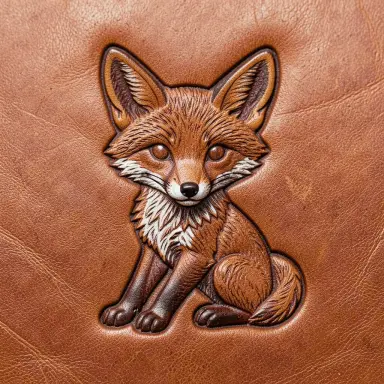

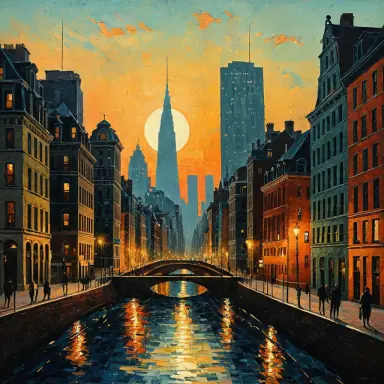

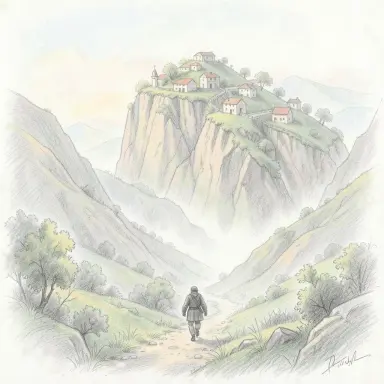
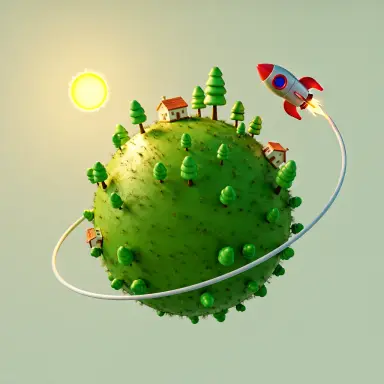
Outils pour générer des images gratuites en ligne
 Stable Diffusion 3
Texte vers image avec Stable Diffusion 3, sans compte
Stable Diffusion 3
Texte vers image avec Stable Diffusion 3, sans compte
 Inpainting Populaire
Repeindre une partie d’une image à partir d’un texte
Inpainting Populaire
Repeindre une partie d’une image à partir d’un texte
 Upscaling Populaire
Agrandir une image jusqu’à 2x avec plus de détails
Upscaling Populaire
Agrandir une image jusqu’à 2x avec plus de détails
 Stable Diffusion XL demo
Démo en ligne gratuite de Stable Diffusion XL 1.0, sans compte
Stable Diffusion XL demo
Démo en ligne gratuite de Stable Diffusion XL 1.0, sans compte
Boîte à outils gratuite d'intelligence artificielle
Images créées par la communauté
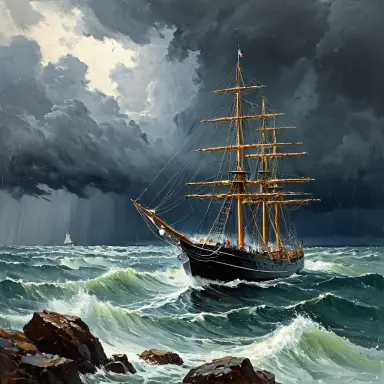 a ship in a storm plein air painting
 willy wonka in a columbine dress rendered as a ligne claire golden hour light from above with hard shadows
 a vintage inspired travel poster for kyoto in spring the headline kyoto in bloom is at the top in an elegant
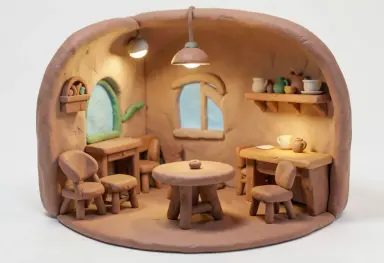 claymation style render of a tiny cozy cafe interior round shapes soft clay texture
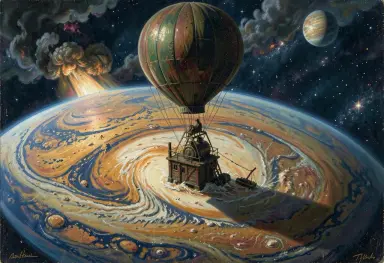 a storm on a gas giant from a balloon during the industrial revolution impressionist painting
 children book illustration of a bear and a rabbit sharing an umbrella in the rain warm colours
 stone cairn balance sculpture
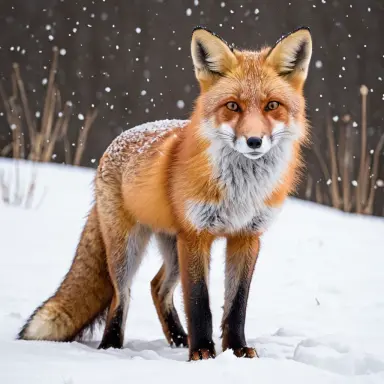 a red fox in snow photograph
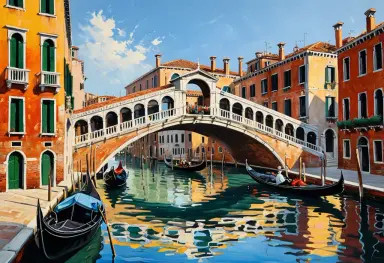 oil painting of a venetian bridge over a canal on a bright morning gondolas loose brushwork warm colours
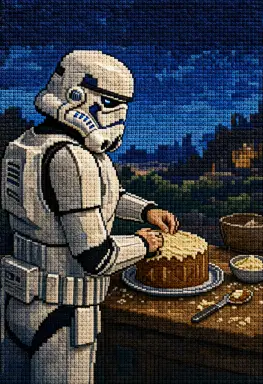 a stormtrooper baking a cake in a far future rendered as a cross stitch the scene is set during a buttermilk
 a pop art of garfield lit by overcast light from the right with long warm shadows centred composition
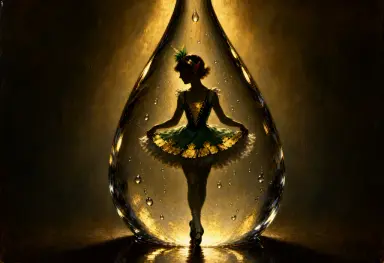 the image is a luminist painting of a sprite in a raindrop in an irish dancing dress in the 1920s lit by
 a storybook illustration of a girl rowing a boat across a calm lake at night where the stars are reflected so
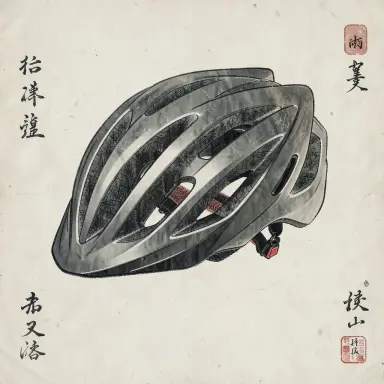 a bicycle helmet gongbi painting
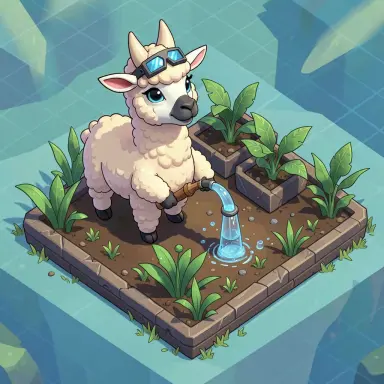 just a fortnite llama watering plants isometric illustration
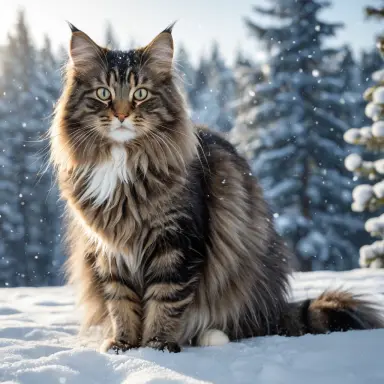 photograph of a norwegian forest cat in the snow thick fur winter morning award winning photography depth of
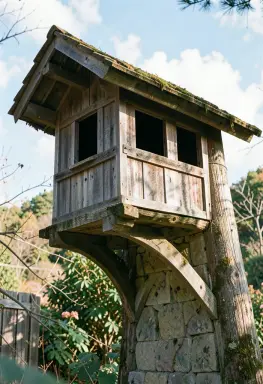 a dovecote loft sumi e
 underwater photograph of a coral reef garden full of colourful fish sun rays clear water award winning
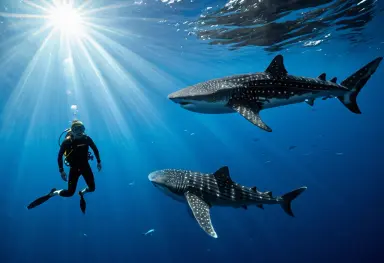 underwater photograph of a free diver next to a whale shark sun rays deep blue cinematic lighting sharp focus
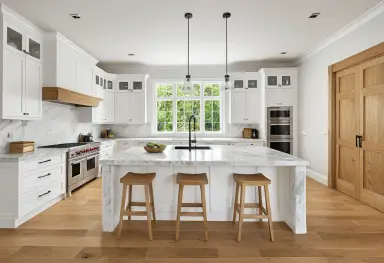 a kitchen with white marble and oak photograph
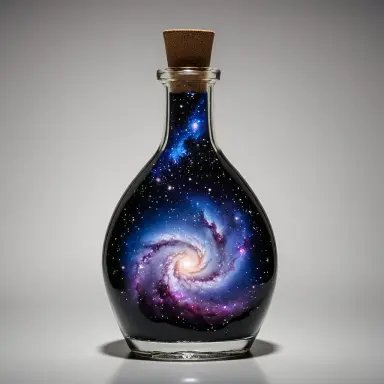 a glass bottle with a galaxy inside photograph
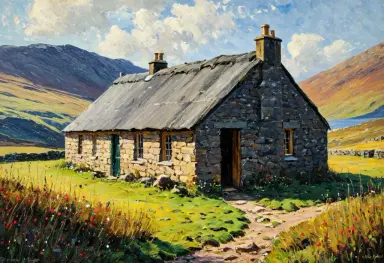 a bothy impressionist painting
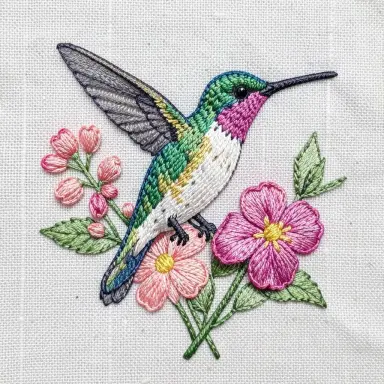 embroidery style illustration of a hummingbird and flowers visible stitches linen background
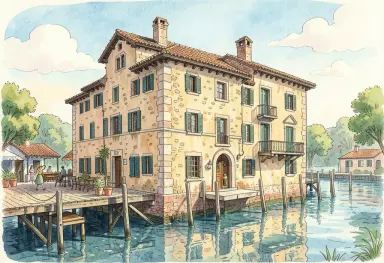 a proven al mas from the pier storybook illustration
Qu'est-ce que Stable Diffusion ?
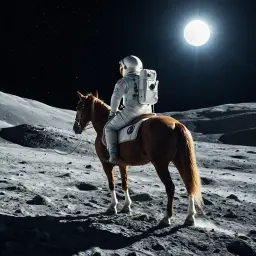
Stable Diffusion est une IA qui crée des images à partir de texte. Décrivez ce que vous voulez — elle s'en occupe.
Développé par StabilityAI , elle est open source. Elle tourne sur un GPU standard — pas de cloud requis. La communauté est très active. De nombreux modèles et extensions sont gratuits. Vous pouvez même l'entraîner avec vos propres images !
Elle a été entraînée sur des millions d'images. Utilisez-la pour l'art numérique, la retouche photo, les animations et bien plus.
Vous pouvez trouver des exemple dans notre collection de prompts, gallerie d'images et avec le navigateur d'images .Questions fréquemment posées
Stable Diffusion est-il gratuit ?
Oui. Stable Diffusion est un modèle open source, gratuit à télécharger et à faire tourner sur votre propre ordinateur. Tous les outils de ce site sont gratuits eux aussi : les démos en ligne, l’inpainting, l’agrandissement d’image et le générateur de prompts fonctionnent sans compte, et le texte vers image sur notre propre GPU demande seulement un compte gratuit. Ni crédits, ni abonnement.
Faut-il un compte pour générer des images ?
Aucun compte n’est nécessaire pour les démos en ligne, l’inpainting, l’agrandissement d’image et le générateur de prompts : ouvrez la page et commencez. Un compte gratuit, créé avec une adresse e-mail, donne accès au texte vers image sur notre propre GPU avec Stable Diffusion 1.5 et SDXL 1.0, avec le réglage des steps, du CFG, de la seed et de la taille d’image.
Comment utiliser Stable Diffusion en ligne ?
Ouvrez la démo gratuite, décrivez l’image que vous voulez, puis cliquez sur Generate. L’image apparaît en quelques secondes et vous pouvez la télécharger. Pour améliorer le résultat, précisez le style et la lumière, ajoutez un prompt négatif ou changez la seed pour explorer des variantes. Il n’y a rien à installer.
Est-ce le site officiel de Stable Diffusion ?
Non. Stable Diffusion est développé par Stability AI, dont le site officiel est stability.ai. stablediffusion.fr est un site indépendant, en ligne depuis 2022, qui propose des outils gratuits pour utiliser Stable Diffusion et d’autres modèles ouverts dans le navigateur, avec des guides, des exemples de prompts et des références d’artistes. Il n’est pas affilié à Stability AI.
Qu'est-ce qu'un Prompt ?
Un prompt est une description textuelle qui guide l'IA. Il peut inclure le sujet, le style artistique, l'éclairage, l'ambiance et le médium — par exemple : 'un chevalier médiéval dans une forêt sombre, peinture à l'huile, éclairage dramatique, cinématographique'. Plus le prompt est précis, plus le résultat correspond à votre vision. Limitez-le à 350 caractères pour de meilleurs résultats.
Un prompt négatif dit à l'IA ce qu'il ne faut pas mettre dans l'image.
Lire le guide complet : Comment écrire un prompt Stable Diffusion ? →
Qu'est-ce qu'un prompt négatif ?
Un prompt négatif dit à l'IA ce qu'elle NE DOIT PAS montrer. Exemples courants : 'blurry, low quality, watermark, text, deformed hands'. Utilisez-les pour éviter les erreurs typiques de l'IA.
Les prompts négatifs améliorent vite la qualité. Ajoutez des poids — comme '(blurry:1.4)' — pour les renforcer.
Que signifie 'seed' ?
La seed est un nombre qui initialise le processus aléatoire de génération d'image. Chaque image part d'un bruit aléatoire, et la seed détermine à quoi ressemble ce bruit de départ. Laissez-la à -1 pour obtenir une seed aléatoire — et une image différente — à chaque génération.
Fixez la seed pour reproduire exactement la même image. C'est utile pour expérimenter : gardez la seed constante en ne changeant que le prompt ou les réglages pour comparer les variations avec précision. C'est aussi la façon de recréer un résultat favori plus tard.
Lire le guide complet : À quoi sert la seed dans Stable Diffusion ? →
Qu'est-ce qu'une LoRA ?
LoRA signifie Low-Rank Adaptation. C'est un petit fichier d'extension (généralement 50–150 Mo) qui affine un modèle de base pour un style, un personnage ou un sujet spécifique — sans réentraîner l'ensemble du modèle.
Chargez un LoRA pour générer des images dans un style artistique spécifique, reproduire un personnage particulier ou correspondre à un concept de référence. Vous pouvez combiner plusieurs LoRAs dans un seul prompt en utilisant des poids : <lora:my-style:0.8>. Des milliers de LoRAs gratuits sont disponibles sur Civitai et Hugging Face.
Lire le guide complet : Qu’est-ce qu’un LoRA dans Stable Diffusion ? →
Comment installer Stable Diffusion localement ?
Faire tourner Stable Diffusion en local nécessite un GPU NVIDIA récent avec au moins 6 Go de VRAM. Les GPU AMD fonctionnent avec les drivers ROCm sous Linux. Apple Silicon (M1/M2/M3) est aussi pris en charge via le backend MPS. Si vous n'avez pas de GPU compatible, notre outil en ligne gratuit fonctionne directement dans votre navigateur — aucune installation requise.
Téléchargez d'abord le base model et le refiner de Stability AI.Ensuite, installez Python 3.10 et Git.
Puis, récupérez le webUI depuis Automatic1111.
Placez les deux modèles dans le dossier models/Stable-diffusion .
Trouvezwebui.bat et double-cliquez dessus pour l'installer.
Ouvrez votre navigateur sur localhost:7860.
Lire le guide complet : Comment installer Stable Diffusion en local ? →
Combien de VRAM faut-il pour Stable Diffusion ?
Il vous faut au minimum 4 Go de VRAM pour lancer Stable Diffusion. 6 Go est le minimum recommandé pour les modèles SDXL. Avec 8 Go ou plus, vous pouvez générer des images plus grandes et utiliser davantage de fonctionnalités.
Sans GPU, vous pouvez tout de même utiliser Stable Diffusion sur CPU — mais c'est beaucoup plus lent. Vous pouvez aussi utiliser notre démo en ligne gratuite, sans GPU nécessaire.
Qu'est-ce que l'img2img ?
L'img2img vous permet d'utiliser une image existante comme point de départ. Vous fournissez une image source et un prompt. Stable Diffusion transforme ensuite l'image selon vos instructions.
Utilisez-le pour changer le style d'une photo, corriger une image générée ou affiner un croquis. La force de débruitage contrôle l'intensité de la transformation — faible pour rester proche, élevée pour tout transformer.
Puis-je utiliser les images Stable Diffusion commercialement ?
Cela dépend du modèle. Les modèles de base de Stable Diffusion utilisent la licence CreativeML Open RAIL-M. Celle-ci autorise l'usage commercial, mais avec des restrictions — vous ne pouvez pas utiliser les images pour nuire ou tromper.
Vérifiez toujours la licence du checkpoint utilisé. Certains modèles communautaires restreignent l'usage commercial. Si vous vendez ou publiez des images IA, conservez une trace du modèle et de sa licence.
Qu'est-ce que ControlNet ?
ControlNet est une extension pour Stable Diffusion qui vous donne un contrôle précis sur la composition de l'image. Vous fournissez une image de référence — une pose, une carte de contours ou une carte de profondeur — et l'IA suit cette structure.
Utilisez ControlNet pour conserver la pose exacte d'une personne, copier une mise en scène ou reproduire un croquis avec précision. Il fonctionne avec votre prompt pour contrôler à la fois le contenu et la structure.
Qu'est-ce qu'un checkpoint ?
Un checkpoint est un fichier de modèle IA sauvegardé. Il contient tout ce que le modèle a appris durant l'entraînement. Vous chargez un checkpoint pour définir le style et le sujet de vos images.
Des checkpoints différents donnent des résultats très différents. Certains sont entraînés pour des photos réalistes, d'autres pour l'anime ou l'illustration. Vous pouvez télécharger des checkpoints gratuits sur Hugging Face ou Civitai.
Qu'est-ce que ComfyUI ?
ComfyUI est une interface gratuite basée sur des nœuds pour Stable Diffusion. Vous créez des workflows d'image en reliant des blocs appelés nœuds. Chaque nœud fait une étape — charger un modèle, ajouter un prompt ou sauvegarder l'image.
ComfyUI vous donne un contrôle total sur chaque étape. Il est plus rapide et plus léger qu'Automatic1111. Les utilisateurs avancés le préfèrent pour les workflows complexes. Vous pouvez partager vos workflows en fichiers JSON.
Qu'est-ce que Flux ?
Flux est une famille de modèles texte vers image de Black Forest Labs, fondé par d'anciens chercheurs de Stability AI. La dernière sortie à poids ouverts est FLUX 3 Image Klein, publiée le 15 octobre 2026 : 5,6 milliards de paramètres, génération 4K native, retouche à partir de dix images de référence au plus, et une version int8 qui tourne sur une carte graphique de 8 Go.
FLUX 3 Image Klein est publié sous FLUX Kommunity License : usage commercial gratuit pour les particuliers et les entreprises sous 5 millions de dollars de chiffre d'affaires annuel ; les organisations plus grandes doivent obtenir une licence commerciale auprès de Black Forest Labs. FLUX.2, sorti en novembre 2025, reste d'actualité en cinq variantes : trois hébergées, [max], [pro] et [flex], et deux à poids ouverts, [dev] et [klein]. La démo de ce site tourne sur FLUX.2 [dev], et la page des styles artistiques a été rendue avec FLUX.2 [klein].
Qu'est-ce que Qwen-Image 2.1 ?
Qwen-Image 2.1 est un modèle texte vers image et de retouche d'image à poids ouverts de l'équipe Qwen d'Alibaba, sorti en septembre 2026. Il suit des phrases entières plutôt que des listes de mots-clés, écrit un texte lisible dans l'image et rend du 2K natif, 2048 × 2048 en carré, sans agrandissement. Pour la retouche, il prend une phrase et jusqu'à dix images de référence.
Vous pouvez l'essayer gratuitement sur la démo Qwen-Image 2.1 de ce site, sans compte. Il tourne chez vous dans ComfyUI ; les poids int8 tiennent sur une carte graphique de 16 Go. Les poids sont sous Qwen Research License : recherche et évaluation uniquement, et tout usage commercial exige une licence séparée auprès de Qwen. Le premier Qwen-Image, sorti en août 2025, était sous Apache 2.0.
Lire le guide complet : ce qu'est Qwen-Image, ce qu'il sait faire et comment il fonctionne →
Quelle est la dernière version de Stable Diffusion ?
La dernière version est Stable Diffusion 3.5 , sorti en octobre 2024. Il produit des images plus nettes avec un rendu du texte nettement amélioré, des couleurs plus riches et de meilleurs détails fins. Il existe en trois tailles : Large (8 milliards de paramètres), Large Turbo pour la génération rapide et Medium — tous exécutables en local avec une VRAM modérée.
Lire le guide complet : SDXL vs Stable Diffusion 3 vs SD 1.5 : lequel utiliser ? →