Home Web UI Inpainting Upscaling Prompt Artists FLUX.2 styles Guides


Stable Diffusion Inpainting 🎨

Upload an image, paint a mask over the area to replace, and add a text prompt for what you want to see there.

Input Image
Upload an image
or
select an example below to start
Brush 40
Output
Advertisement
Advanced options

AI inpainting regenerates only the image area you paint over: the rest of the original image is kept pixel for pixel. It works for object removal (paint over the object, describe the background), for replacing a detail, a sky or a piece of clothing, and for extending a scene. Stable Diffusion fills the masked area from your prompt and blends it with the surrounding pixels, so a short, concrete description of what should appear there gives the cleanest result.

Examples
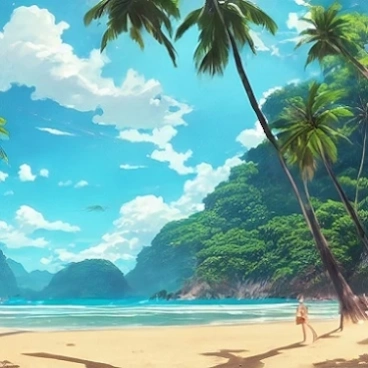
example 1 example 2 example 3 example 4 example 5 example 6 example 7 example 8 example 9 example 10

Repaint any part of a picture for free with Stable Diffusion inpainting, without an account: upload an image, paint a mask over the area to change, describe what should appear there, and the model regenerates only that area on this site's own GPU. Faces, backgrounds, objects, clothes: the rest of the image stays untouched.

How to use Stable Diffusion inpainting

  1. Upload a JPG, PNG or WebP image, or pick one of the examples.
  2. Paint the mask over the zone to replace; brush size and eraser are in the toolbar.
  3. Describe what should appear in the masked area, in English, as in a normal prompt.
  4. Click Generate, watch the progress, then download the result or repaint another zone.

Limits and questions

What image sizes are accepted?

Any size up to a few megabytes; images larger than 1024 px on a side are resized proportionally before generation, and the result comes back at that working size.

How long does it take?

Jobs run one at a time on one GPU: usually 10 to 40 seconds, more at busy times. You see your position in the queue and a live preview. One submission per IP every 20 seconds.

What is refused?

Adult content and violence are not allowed anywhere on the site: such prompts are refused before generation. Results are kept for a few minutes only and are not published.

Read the guide: What is a negative prompt? The tool applies one for you


Our service is free. If you like our work and want to support us, we accept donations (Paypal).